Document accessibility
Equal access to digital information
Document accessibility is more crucial than ever. Since 2019, the European public sector has been subject to active legislation — and with the EAA 2025, private organizations across Europe will now be required to meet the same standards.
First things first
Why it's important
1 in 5 citizens require help reading their digital documents.
Web accessibility isn’t just a best practice — it’s a legal obligation, which applies to all EU countries. It is an essential law that affects 1 in 5 citizens in their daily lives.
Public institutions must comply with the EU’s Web Accessibility Directive (WAD) and meet the WCAG standards.
And with the European Accessibility Act (EAA) taking effect in 2025, private organizations across the EU are also required to ensure their digital content and services are accessible to everyone.

Equal access for all
Everyone has the right to access digital information and services. Without accessible digital content, you risk excluding citizens and users with visual, hearing, or cognitive impairments.

There's an easy fix
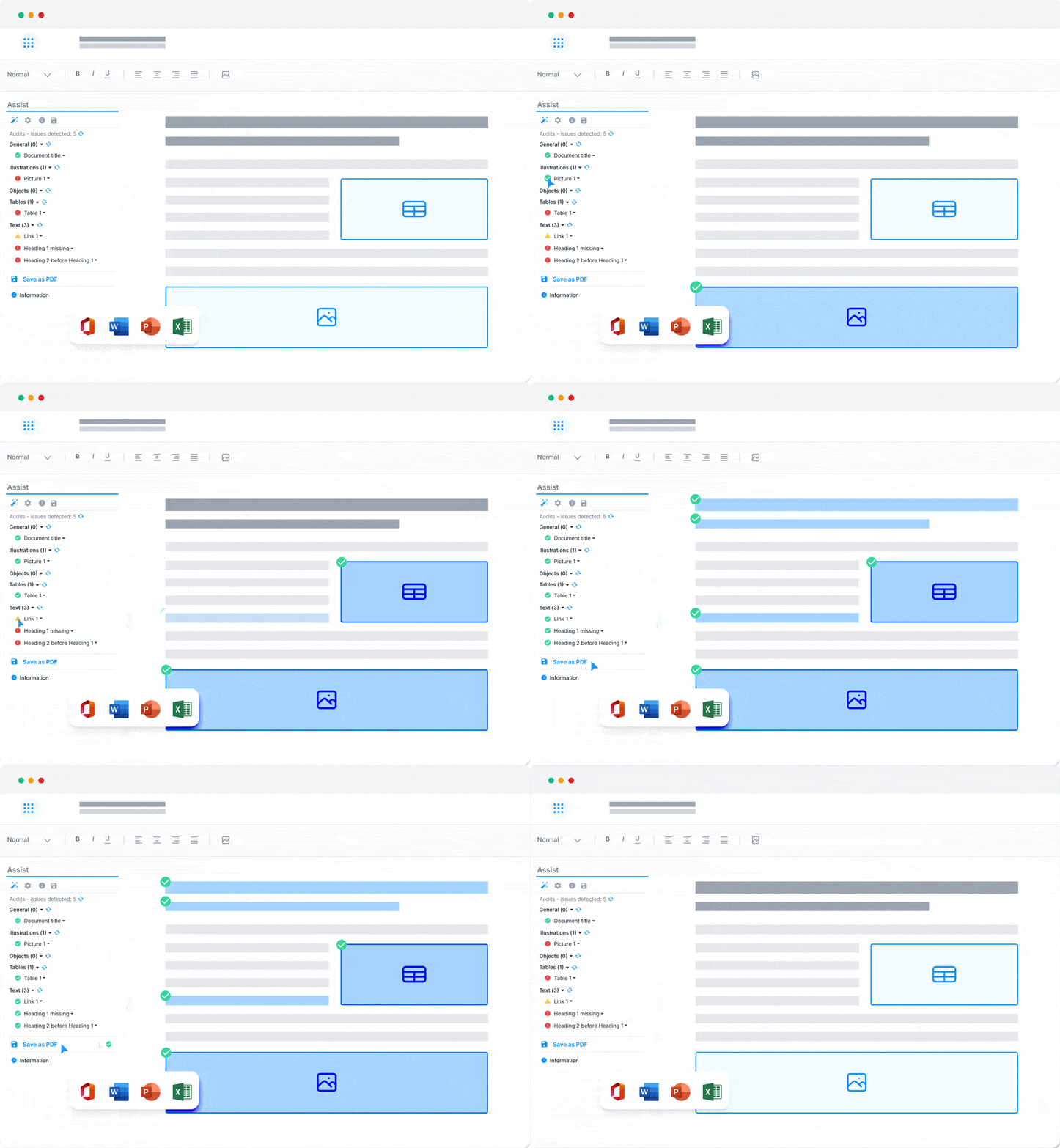
With our solution you can automate your formatting and structure to ensure your documents are always accessible, properly tagged, and user-friendly.
There's an easy fix
Automate your document accessibility
Let go of the hassle and stop trying to manually mark your documents.
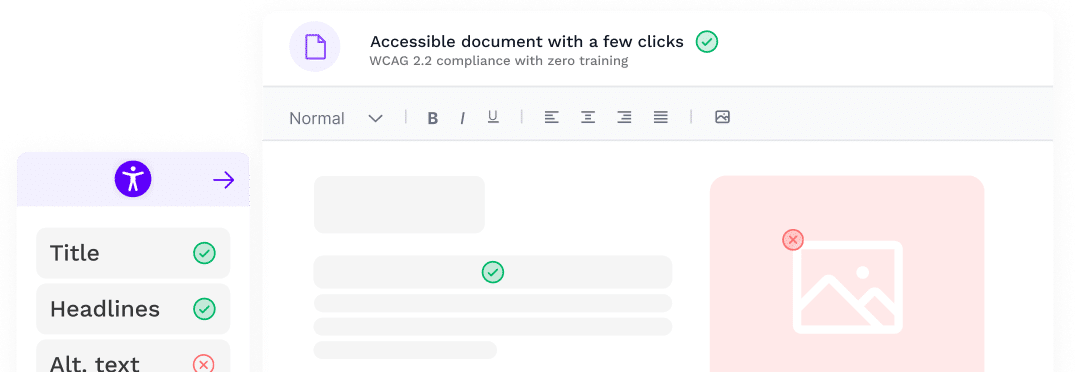
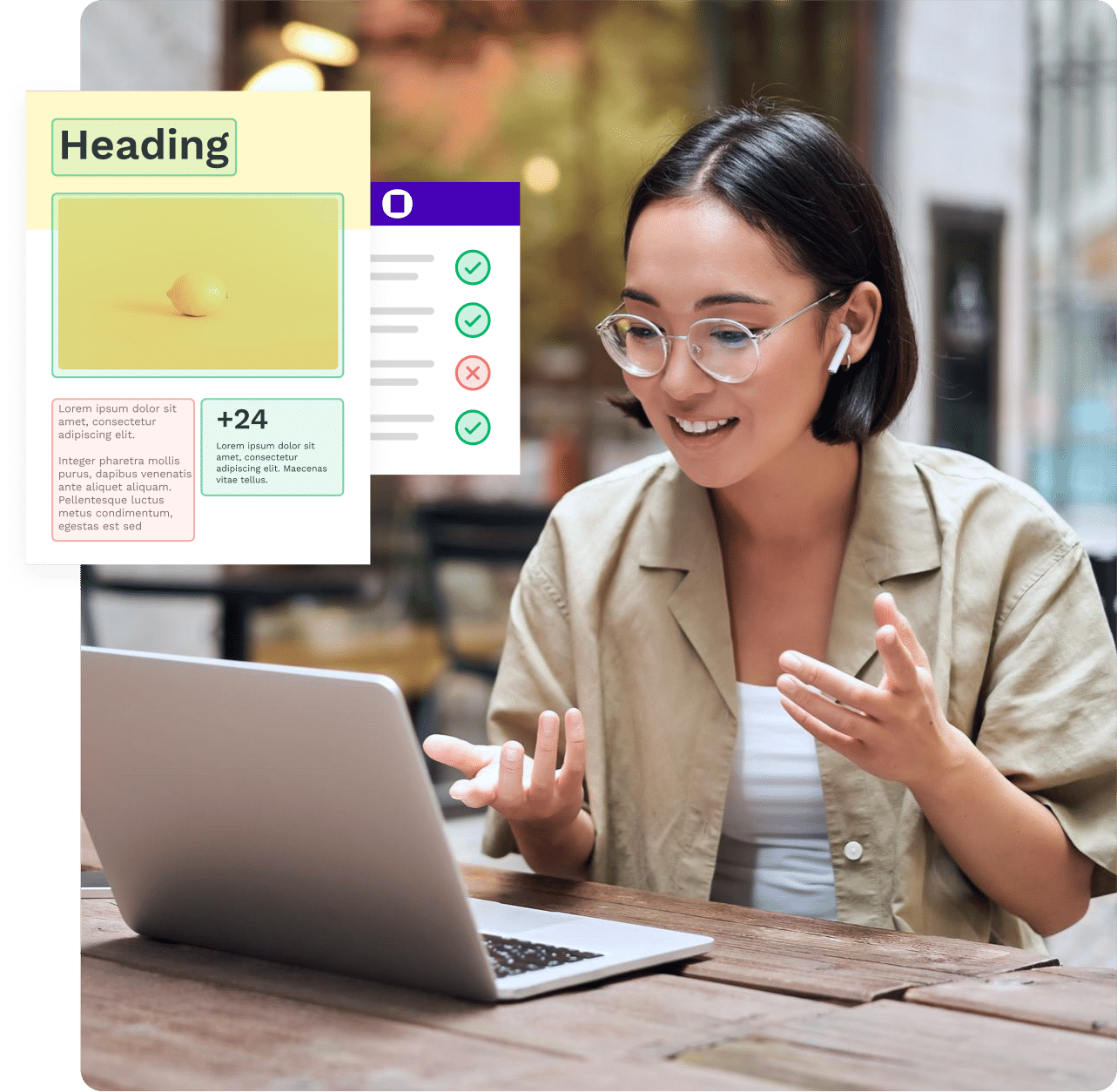
With a solution from Omnidocs your documents are scanned and errors are easily fixed in a few clicks – compliant, easy and all without courses, training or education.

“We needed a way to make our documents WCAG compliant and fully accessible for all stakeholders. Now we have a user friendly way for us to fix all kinds of documents for our website.”

Titles
Check for document-, slide- or sheet titles, and easily write one, should it be missing.

Tables
Check tables for alt texts, titles, merged cells, page-breaking, row-headings and more.

Headings
Audit and fix headings and heading structure, should it be required.

Links
Ensure that all links have a meaningful text-to-display and an alt-text.

Alternative texts
Check for missing alt-texts and easily add them where needed.

Header and footer
Our solution includes the documents’ header and footer in all scans.

Colour contrasts
Ensure that the colours used comply with either AA- or AAA-requirements of WCAG.

Built-in PDF engine
This third-party PDF engine ensures that all your content converts correctly.

Meta-data
Ensure that all comments and track-changes are removed before exporting.

PDF/UA
All documents correctly tagged with Assist can be tagged as PDF/UA

Save as HTML
Convert your documents into HTML directly from the solution.

Check for hidden content
Ensure that all comments and track-changes are removed before exporting.
Our solutions

Assist Pro
All-in-one solution
Check for everything that is required by WCAG 2.2 to make any Word-document, PowerPoint and Excel-sheet accessible.
Utilize the power of our PDF engine and tag documents as PDF/UA or save directly as HTML.
Learn more about Assist Pro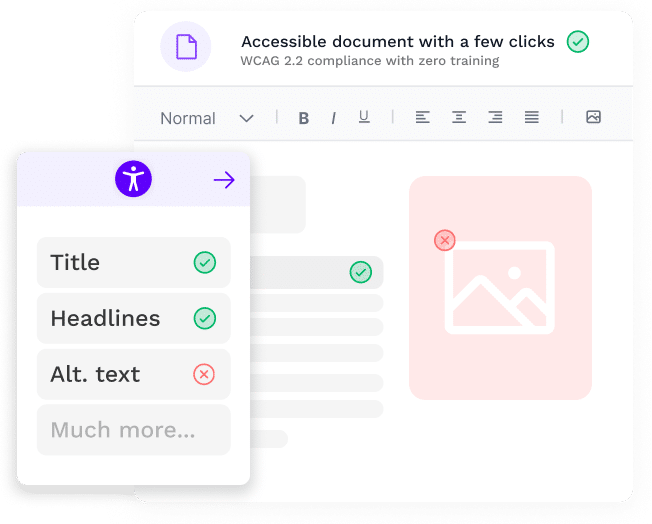
Accessibility Assistant
PDF/UA document generation software
With Accessibility Assistant by Omnidocs, you can create WCAG 2.2 compliant PDF/UA documents directly from Microsoft 365.
Accessibility Assistant audits the Microsoft 365 document and creates an intuitive task list with suggested solutions and an integrated PDF export feature for the users.
Document accessibility
Zero-hassle compliance
Work with the documents you’re comfortable with and easily make your PDF files accessible.
Marketing-leading and user-friendly solution for creating PDF/UA documents.
The European Accessibility Act
Digital accessibility in the private sector
Starting in June 2025, most private companies in European countries will be required to comply with the European Accessibility Act (EAA).
The EAA is a landmark piece of legislation designed to enhance the accessibility of products and services for individuals with disabilities across the European Union (EU). It establishes comprehensive guidelines and requirements for Information and Communication Technology (ICT) products and services to ensure digital content is accessible to everyone.
The compliance deadline was June 28, 2025. By this date, organizations must have implemented the necessary measures to make their digital assets accessible.
While the EAA calls for broad compliance, it exempts small and medium-sized enterprises (SMEs) with fewer than 10 employees and an annual turnover of less than 2 million Euros. Additionally, companies that would face a disproportionate burden in adhering to the EAA are also exempt.
Stay ahead of the curve and ensure your digital assets, such as PDF documents, are accessible to individuals with visual impairments who rely on screen readers. Accessibility Assistant by Omnidocs is here to help you achieve just that.
Read more about the EAA 2025 on it’s official website.

Which types of digital assets are impacted by the European Accessibility Act?
- Phones, computers, terminals for payments or purchasing transit tickets
- Consumer banking services
- Electronic communication services like phone and internet
- Audiovisual media services access
- E-books
- E-commerce platform

What types of services are impacted by the European Accessibility Act?
- Phone services
- Banking services
- E-commerce
- Websites, mobile apps, electronic tickets, and any other information resources for air, bus, rail, and water transportation services
- Access to Audio-visual media services (AVMS)
- Calls to the European emergency number 112
Become compliant now
Book a free consultancy
Let our experts help your organisation become WCAG 2.2 compliant.
Zero hassle, no intrusive workflows and with no training required.